
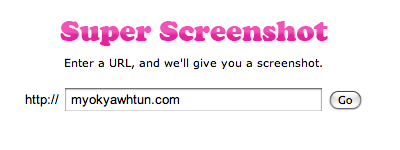
When I saw the web site has beautiful interface that catch my eyes, I always tried to take snapshot and keep in my PC. At that time, I scrolled down my mouse and took snapshot again and again until i get the bottom of that site. Now I found Super Screenshot that can take the snapshot of the entire website address. Unlike Browsershots, It uses only Safari rendering engine and of course It doesn’t take much time to generate. It has so many options like only top screen or full screen, size of your web site (x-small, small, medium, large and full) and Image formats (JPG or PNG). Here is Screenshot of my site.
via: NirmalTV
Comments
One response to “Super Screenshot”
[…] have posted several capture tools to capture web site, the online service tool like Browsershots. The only problem is that many of those services […]